SystemCraft™ Companion Guide
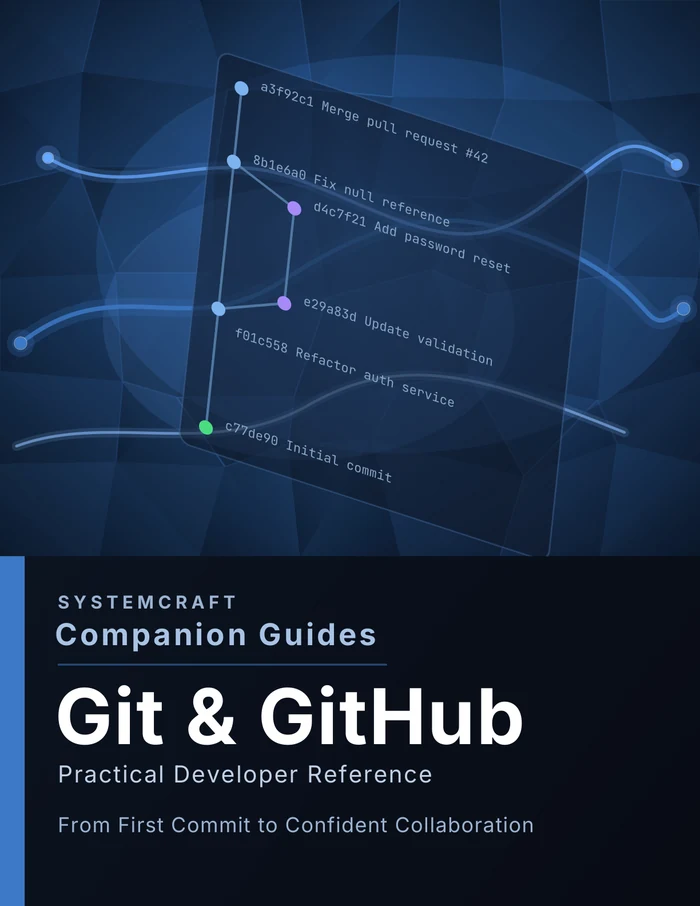
Git & GitHub Companion Guide
From First Commit to Confident Collaboration
What you'll learn
- Step-by-step workflows for the 90% of Git you use every day
- Real command examples, not abstract theory
- A calm, fear-reducing guide to merge conflicts
- Scenario-based troubleshooting for common panic moments
- A printable one-page cheat sheet for your desk
Table of contents
- 01
Getting Started
Remove fear and set the right mental model for Git and GitHub
- 02
Core Daily Git Workflow
The repeating loop that covers 90% of daily Git usage
- 03
Branching Strategy
How to use branches to keep work isolated, organized, and conflict-free
- 04
Commits That Don't Suck
How to write commits that communicate clearly and make collaboration easier
- 05
Pull Requests
How to open, manage, and merge Pull Requests effectively
- 06
Merge Conflicts
How to understand, resolve, and prevent merge conflicts without panic
- 07
GitHub Workflow Rules
The team agreements that keep repositories stable, reviewable, and conflict-free
- 08
Quick Reference
Command tables and lookup references for daily Git use
- 09
Troubleshooting
Scenario-based fixes for the most common Git problems
Who this is for
A practical, no-fluff reference built for developers who want to actually understand Git, not just memorize commands.
Other guides in the series
Command Line Essentials
Navigate, Automate, and Troubleshoot with Confidence
A practical, no-fluff reference for developers who want to actually understand the terminal, not just paste commands they found online.
JavaScript Essentials
From First Script to Confident Async
A practical, no-fluff reference for developers who want to actually understand JavaScript, not just copy snippets from search results.
Python Essentials
From First Script to Confident Code
A practical, no-fluff reference built for developers who want to actually understand Python, not just copy syntax.
SQL Essentials
Query, Join, and Shape Data with Confidence
A practical, no-fluff reference for developers who want to write real queries with confidence, not copy-paste from search results.
VS Code Essentials
Edit, Debug, and Ship Faster
A practical, no-fluff reference for developers who want to stop clicking around and start actually using their editor.
SystemCraft™ Press Newsletter
Get the free Git & GitHub cheat sheet
Subscribe and we'll send you a free printable one-page Git & GitHub cheat sheet, plus new posts as they go up. No spam, unsubscribe anytime.